New mode pictures and windows that come alive
Every mode now has a new picture of its own, and the game's windows have come alive: rewards, purchases and buttons respond with motion.
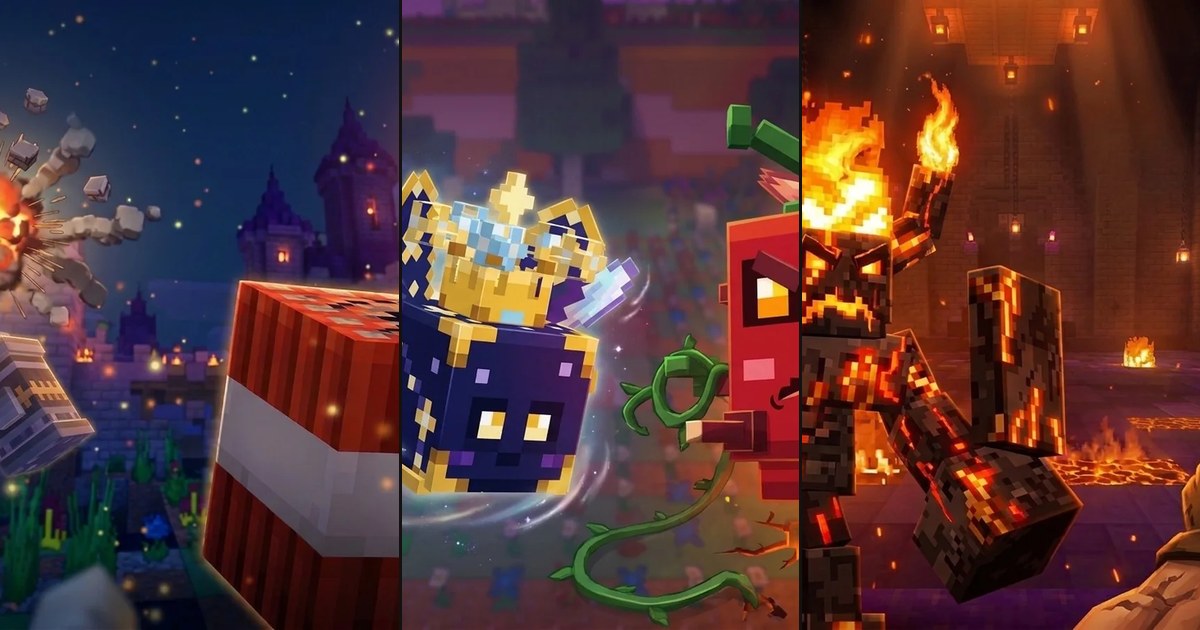
Mode pictures
The old pictures went out of date once we redid the gear in Plots and the Hive. The new ones are drawn over our own models and shots from the game:
- Anarchy: a demolitionist and a bundle of TNT with a burning fuse.
- Hive: a swarm of monsters against the Thornback.
- Plots: a Fire Sentinel and a Hyperchopper in hand.
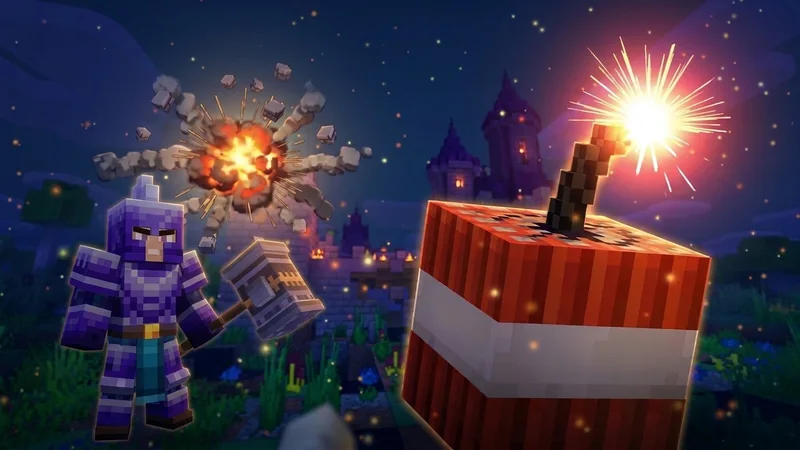
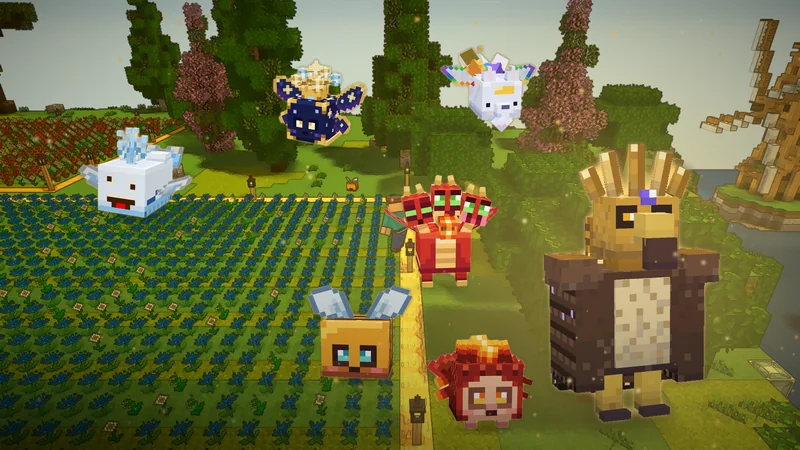
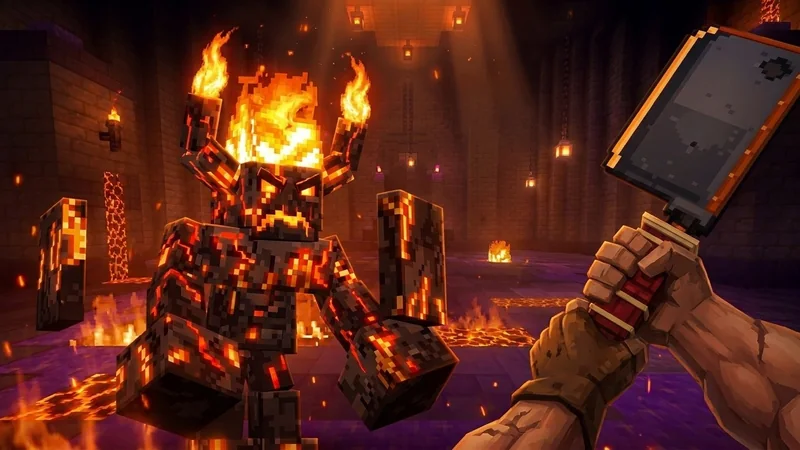
In the main menu, the selected mode is shown as a full-size picture, crisp instead of blurry, and in the list of modes each one has its own icon on the left: a bundle of TNT, a little bee and a hand holding the Hyperchopper. The same pictures are now on the mode pages of the website too.
Windows that come alive
- Daily rewards. The cells appear in a wave, and today's cell glows softly. A day you claim hops, a light flares up behind it, a glint runs across the cell, and the item gets a check mark.
- Coins fly into your wallet. Coins and other currency you get fly from where you clicked to the counter at the top of the window, and you watch the number grow. When you spend, the number goes down.
- Buttons spring under your finger, and the main button gleams.
- Shop purchases: coins fly out of your wallet into the button, and the card you bought celebrates.
- XP bars fill up smoothly and flash when they're full.
Hive: feeding in one window
The Feed button opens a single window: you pick a treat from the Pantry (you can see how much XP it gives and how many you have; a favorite gives double), the amount (1, 10, 100, 1000 or your own), or go straight for “to the next level” or “to max”. The window shows the result in advance. The Pantry only offers to feed monsters from your swarm, the strongest first, and the “Feed the weak” button is gone. Strongest to swarm now takes level into account and no longer swaps your leveled-up monsters for fresh ones.