Swarm mini-events, a new hub and new combat
A big update. Something is now always going on in Swarm, Swarm and Anarchy have new maps, and running and combat work like in Minecraft across the whole game. Let's go through it in order.
Five mini-events in Swarm
Sitting on a field and just piling things up is boring, so now something is always happening nearby. A minute before the start the game calls you itself: a card with a countdown and a “Follow” button appears on screen.
- Fluffling. Once an hour, a small boss comes out on the Daisy Meadow in the harbor. It is meant for swarms of 5 to 24 monsters, and you can beat it alone. The swarm attacks on its own while you are close, and it's best to step out of the red circle on the ground. A win gives honey and a chance at a Spotted Egg. If it isn't beaten in 3 minutes, it runs away.
- Sleepy Boulder. A huge shelled beast sleeps by Honey Harbor. Twice an hour it wakes up for 5 minutes. Everyone has their own health bar for it, and it doesn't refill between visits, so you can wear it down in stages. Finish it and you get honey, an egg, an amulet and a new, tougher Boulder. You need at least 5 monsters.
- Burstcaps. Twice an hour, big mushrooms grow on three fields near players. The swarm gathers pollen from them, the mushroom fills up and bursts with honey, and the next, bigger one grows beside it.
- Pilferers. Twice an hour, a pack of beetles with little sacks runs across your field. They are harmless and just flee, and your swarm catches them. A caught beetle spills honey, and if you catch them all there's a bonus on top.
- Squall. A living whirlwind circles above a field, and everyone standing on that field gathers twice as much. Then it lands as a boss and throws players around with gusts of wind. Beat it for honey and a Gem.
A new Swarm map
We rebuilt the archipelago from scratch. The colours now share one honey palette, houses stand along the streets, and the main view opens right from the spawn. No houses are left standing “just because”: if a house is on the map, it has a job. All the fields and gates are where they were, but some residents have moved. Lost someone? The “Follow” button in a quest will lead you to them.
Residents grow and say hello
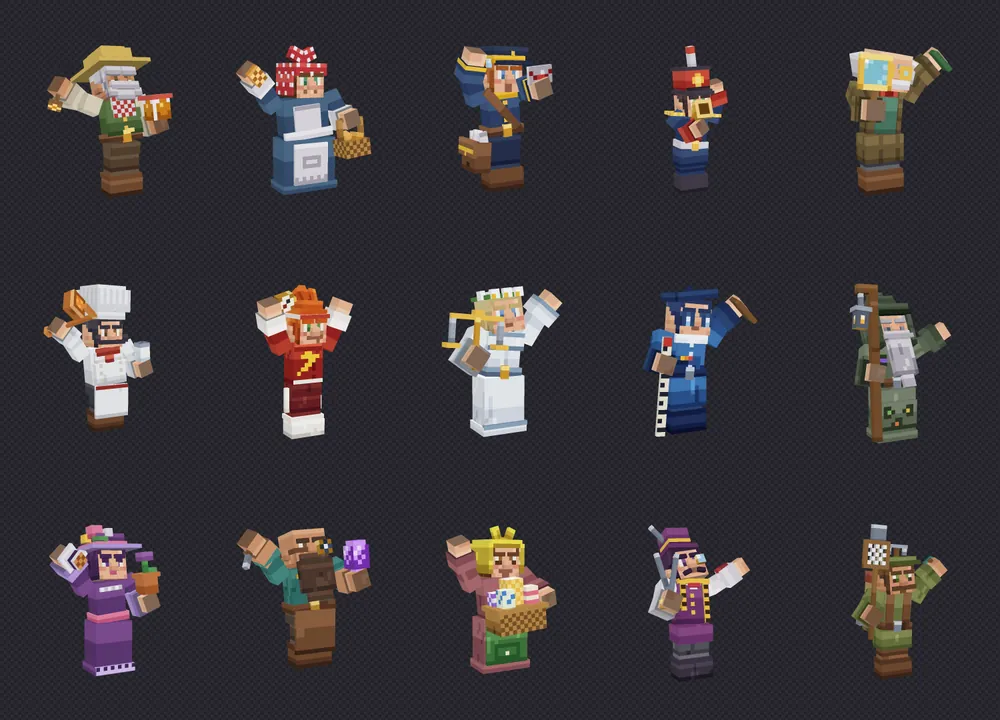
Walk within 8 blocks of a Swarm resident: they turn to you, smoothly grow one and a half times bigger and greet you. They are easier to see and easier to click. Step away and they go back to their usual size. Figures on the Anarchy spawn now do the same. Swarm's default field of view is also 60 instead of 90, so everything feels closer and bigger. If you don't like it, you can change it in the settings.
Blur like a good camera
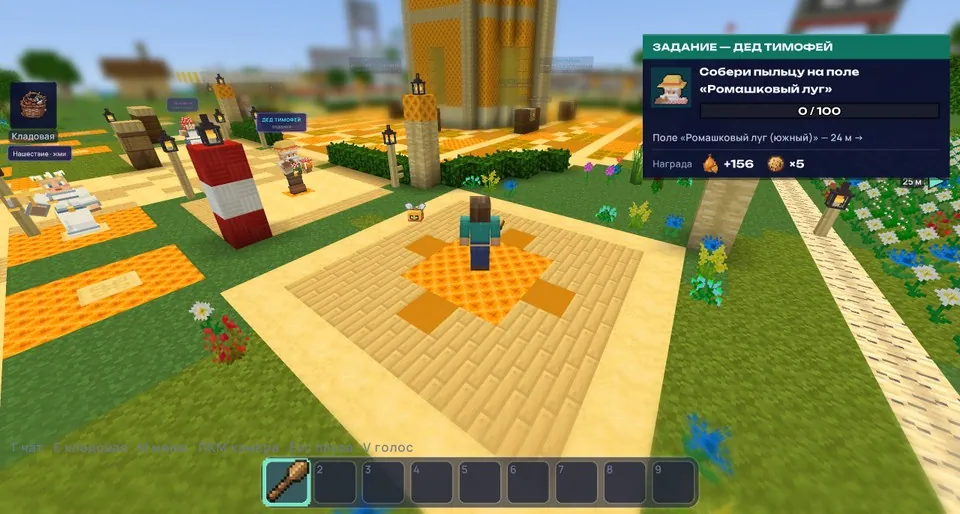
Swarm now has depth blur: the far distance and whatever is very close to the camera turn soft, while you and the field around you stay sharp. This is only in Swarm, Anarchy doesn't have it. You can adjust it with the “Depth blur” line on the “Light and shadows” tab. On phones it's off for now, but you can turn it on.
A new Anarchy hub
The Anarchy spawn has been rebuilt too: it is now a city of big houses with a portal arch and a tall tower. The figures stand in new places, but none of them are gone, and the warps in the menu take you straight to them.
Running and combat like in Minecraft
Across the whole game, movement and combat now follow Minecraft's numbers. Running is calmer: 5.6 blocks per second instead of 9.35, walking is 4.3, and a jump is 1.25 blocks. You can only sprint forward. The world feels bigger and it's harder to outrun a crowd of enemies, so mind your distance.
The bar under the crosshair fills at its own speed for each weapon: 0.25 seconds for a fist, 0.625 for a sword, 1 second for an axe and 1.67 for a war maul. Strike earlier and the hit is simply weaker. A critical hit only happens while falling, a sprinting hit knocks back harder, and you can reach an enemy from 3 blocks away. After a hit the target is protected for half a second: a stronger hit gets through, but only for the difference. Axes no longer pierce armor.
Guest login and a simple menu
You can now play without registering. The login window has a “Play as guest” button: the game makes up a nickname like Guest-1234567 and you're in the world right away. Like it? Open “Save progress” in your profile or the pause menu, set a nickname and password or log in with Telegram, and everything you've earned moves to your nickname. Guests who never save get erased after a while: those who played under 10 minutes after 7 days, everyone else 90 days after their last login.
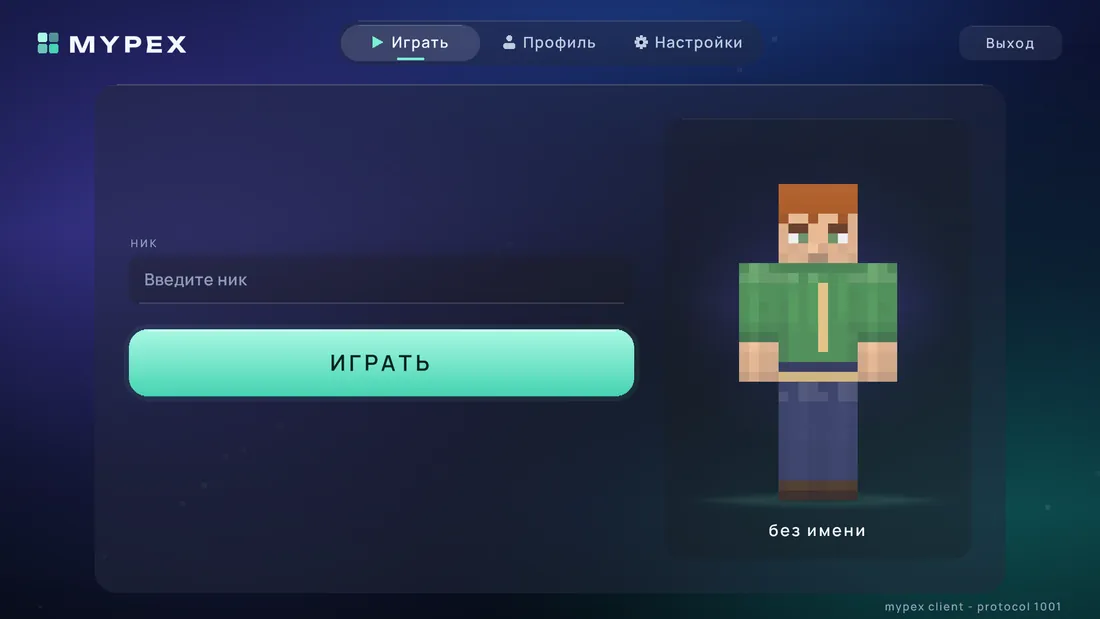
The main menu is now simple: nickname, “Play” button and your character. You no longer need to pick a server. Your skin and settings are on the “Profile” and “Settings” tabs.
Our own enhancement names
Enhancements now have names of their own, like “Razor” for weapons and “Aegis” for armor, and the level is written as a plain digit: “Razor 5”. We replaced 42 names in all 15 languages. The strength of enhancements hasn't changed, only the labels have, and your items are still the same.
Quests that didn't count
In the Anarchy prologue, the steps “Defeat 3 ore guards” in the cave and “Defeat 20 Ash Guards” in the dungeon didn't count for anyone, and that stalled the prologue. Now they work. The counter in other mob-kill quests also goes up right away, whereas before it only moved after you logged back in.
Doors, trapdoors and scaffolding
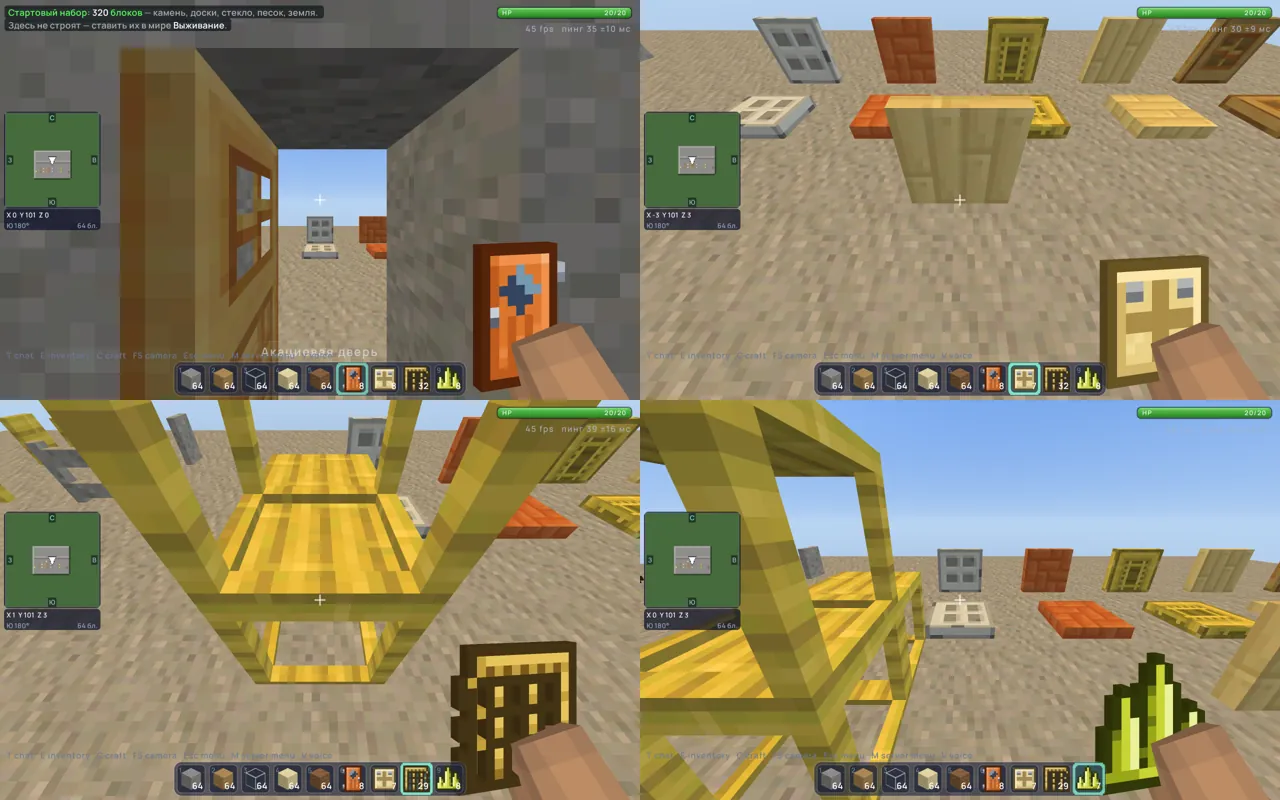
A player wrote to us: doors and trapdoors don't work, and scaffolding won't place. It turned out that a click right up against a door with a block in your hand simply went nowhere. Now it goes through, so doors, trapdoors and gates open as they should, and so do chests and furnaces.
Scaffolding now works for real: you climb it from below, stand on the deck, and crouching takes you down. A click on the side grows a tower, a click on top extends the deck forward up to 6 blocks, and if you break the support, the scaffolding falls apart into items. And the Sulfur spike no longer places as stone.
And also
- Picking up items sounds softer: if you've turned on game sounds in the settings, things no longer clack, they pop like popcorn. Game sounds are off by default.
- Our main address is now mypex.net. The old mypex.ru still works for now, so you don't need to change anything.