Quests that take you by the hand
A newcomer joins Anarchy — and then what? On October 24 the game got the “Rest Stop” prologue in twenty-seven steps, a marker that shows where to go, and a scoreboard that tells you what to do.
“What to press should be highlighted too”
The request went like this: “some kind of arrow, markers over the NPC they need to go to, what to press — that should be highlighted in the UI too.” Now a “!” hangs over the NPC the quest leads to, a diamond over the right place, and if the target is off-screen, an arrow with the distance appears at the edge. In a server window the button you need to press is highlighted, and on phones — the “MENU” button. The marker can be turned off in the settings.
A funny detail: the first version of the marker didn't draw at all — the line that draws it had accidentally ended up inside a comment. We found and fixed it the same day.
A scoreboard that gets to the point
Coins and platinum are gone from the scoreboard on the right — it now holds the quest in a few lines: what to do, how much is done, where to go and the shortest way there. Below that — the nearest event or the next step. Long lines no longer get cut off at “(…” but wrap instead.
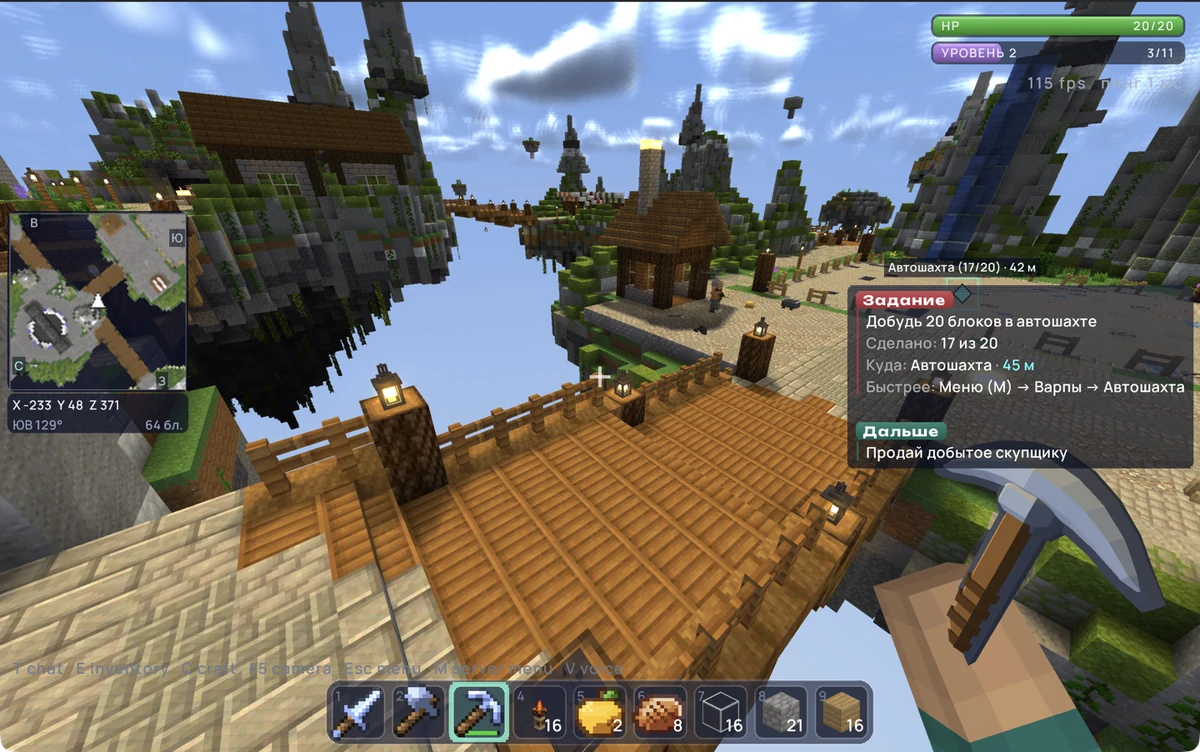
For every step of the prologue a “Step N of 27 complete!” window opens with the reward and a hint about what's next. There's no “Skip” button and there won't be: “Even those who already know how to play should go through it — the rewards there are cool.”
Where the event is and how to get there
The scoreboard now shows the nearest event: how far it is and in which direction, and if it hasn't started yet — how long you'll have to wait. And while a stash, a stone or a raid is underway, the events menu has a “Teleport to event” button: it drops you eighty to a hundred and twenty blocks from the spot — the rest of the way you walk yourself.
The “Red-Hot Stone” changed too. It used to be a block: after a hit it seemed to vanish, it was announced twice, and geared-up players tore up the ground around it. Now the stone is a stationary target with a health bar. Everyone hits it together, the loot goes into each player's pockets according to their contribution, and in the zone around it you can't break, build or blow anything up.
Warps instead of “Trade”
The menu used to open the Buyer's window from afar — so why have the NPC at spawn at all? The “Trade” tab became the “Warps” tab: a tile takes you straight to the right NPC, and its window opens once you're next to it. On peaceful ground the transfer is instant.
The gold that didn't drop
We played the prologue ourselves and tripped up: you mine gold at the auto-mine — and it doesn't drop, so the “sell your loot” step doesn't count. The cause turned out to be funny. The starter kit fills the whole hotbar with stone tools, so the iron pickaxe from the prologue reward went into the backpack. And a stone pickaxe breaks gold without any drop. Now the tool from a reward takes the weaker one's place in the hotbar, and the mine honestly says: “nothing dropped — you need a stronger pickaxe”.
The auto-mine also stopped being a trap. The bottom layer was empty, and a player who fell in there couldn't get out — now there's a solid floor under the cube, four ladders up along the walls, and you can place simple blocks inside the cube. Sugar cane finally drops as an item when mined, and bamboo and kelp come down as a whole column.
Straight from spawn
/rtp from the spawn map takes you to the wild world right away, without extra waiting. And if you fall off the spawn map, you don't end up at the bottom but at a random place in the wild world — just like after /rtp.
A torch in the left hand
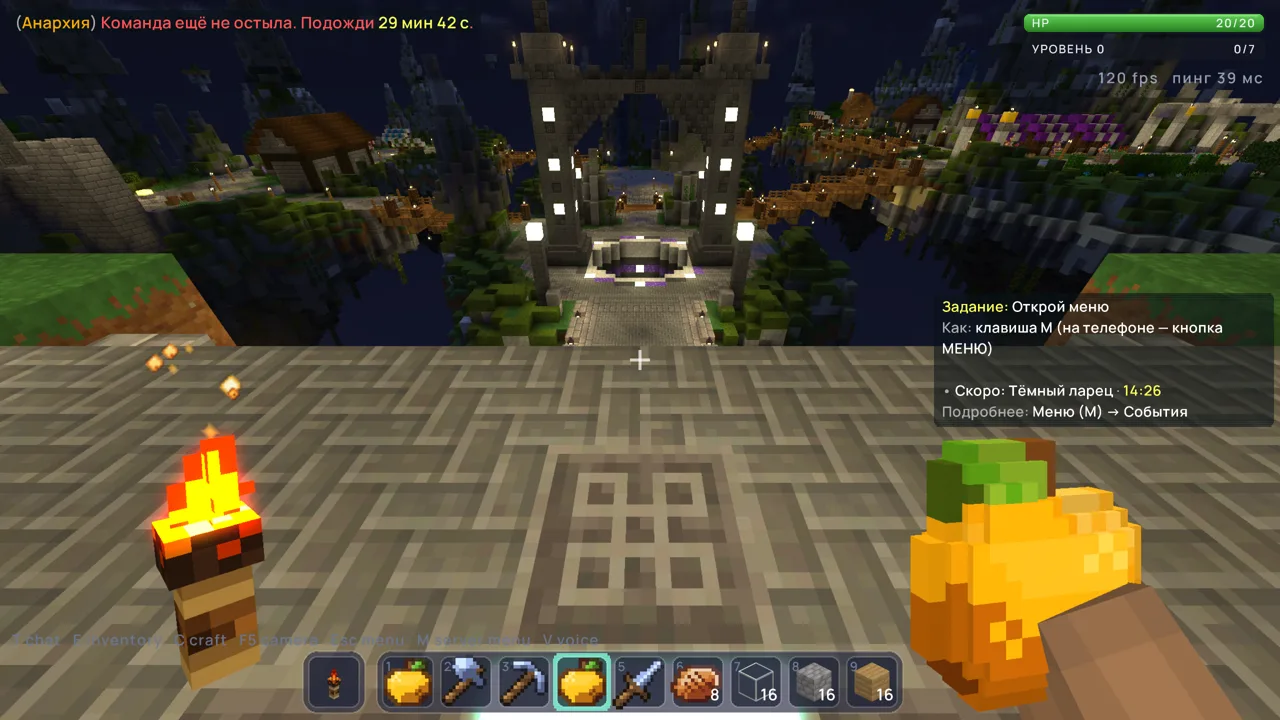
Players have had a second hand since September, but a torch in it gave no light, and in first person you couldn't see it. Now it lights up and is visible — you can hold a sword in your right hand and light in your left.
The enhancement scroll
Another request: enhancements can be sold at the auction, but “right now they just sit there like in a database, there needs to be a way to take them out somehow.” Now you can pull an enhancement out of your personal stash with an “Enhancement scroll” — sell it, give it to a friend, or put it back at the Cutter: just click the Cutter with the scroll in your hand. Ten enhancements that used to do nothing got their effect, and the powers in kits started working for real.